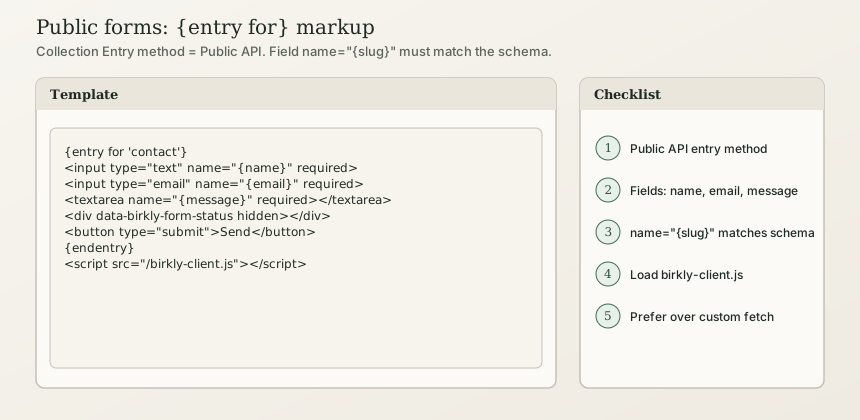
Build contact, newsletter, and feedback forms with {entry for 'collection'}…{endentry} so birkly-client.js wires the form to Birkly’s public submit API.
In short: Set the collection Entry method to Public API, match name="{field_slug}" to the schema, wrap markup in {entry for 'contact'}…{endentry}, and load the client script. Prefer this over hand-rolled fetch JSON posts. Full admin/API notes: Public forms.
Beginner
1. Collection setup
- Create a collection (e.g.
contact) with fieldsname,email,message(or your slugs). - Settings → Entry method → Public API.
- Configure rate limit, notification email, CAPTCHA as needed.
- Usually keep auto-publish off so submissions land as drafts.
2. Template-first form (recommended)
<div class="contact-form-wrapper">
{entry for 'contact'}
  <label>Name
    <input type="text" name="{name}" required>
  </label>
  <label>Email
    <input type="email" name="{email}" required>
  </label>
  <label>Message
    <textarea name="{message}" required></textarea>
  </label>
  <div class="birkly-form-status" data-birkly-form-status hidden aria-live="polite"></div>
  <button type="submit">Send</button>
{endentry}
</div>

<script src="/birkly-client.js" data-cms-url="https://your-cms.example"></script>
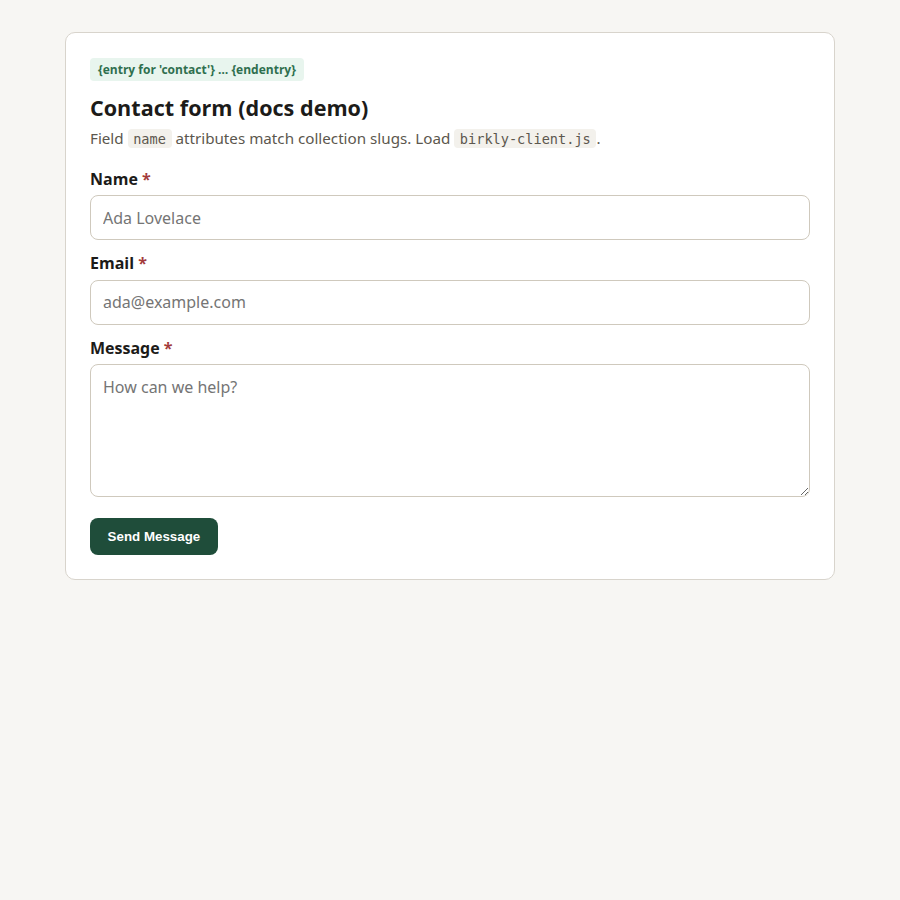
The client wraps your markup in a real <form>, posts to /api/public_submit.php, and can show status in [data-birkly-form-status].
3. Auto-generated form
{public_form 'contact'}
<script src="/birkly-client.js"></script>
Known-bad patterns
| Bad | Why | Do this instead |
|---|---|---|
Custom fetch to invented REST paths | Wrong payload / missing server key handling | {entry for} |
name="Name" that doesn’t match field slug | Submit drops or rejects fields | name="{email}" matching schema |
{entry 'contact'.'x'}…{endentry} | Phantom single-entry syntax | {entry for 'contact'} for forms; {from …} for read |
No birkly-client.js | Placeholder never hydrates | Load the client |
Advanced Users
For developers & AI
Engine behaviour
{entry for}→ placeholderdiv.birkly-entry-blockwith encoded inner HTML.- Client hydrates schema + submit URL; API key stays server-side.
{public_form 'slug'}→ schema-generated fields.
Sub-entry comments (not {entry for} on parent):
<form data-birkly-url="/api/public_sub_entry.php" data-birkly-success="reload">
  <input type="hidden" name="parent_collection" value="blog">
  <input type="hidden" name="parent_entry_id" value="{id}">
  <input type="hidden" name="sub_collection" value="comments">
  <input type="text" name="author" required>
  <textarea name="content" required></textarea>
  <button type="submit">Post comment</button>
</form>
WebMCP: Declarative forms can expose tools when website tools allowlist includes the collection — Website tools.
Clarify vs phantoms table: Spec “Not implemented” lists {entry 'x'.'y'}…{endentry} as phantom. {entry for} is implemented and allowed by the project template validator.